Why A Console Input Problem Often Starts Looking Small Before It Turns Systemic

A console input issue rarely introduces itself as a dramatic failure. More often, it arrives as hesitation, inconsistency, and small moments where the operator stops trusting what should feel routine.
What this pattern usually looks like
Navigation feels less dependable, commands take repeated attempts, and the system still works often enough to invite delay. That mix of partial function and friction is exactly what makes the issue easy to underestimate.
Why the visible symptom can mislead engineers
Once the symptom is framed as minor button wear, the diagnosis narrows too early. But when inconsistency spreads across actions, the failure may be sitting in a broader module or board path rather than one surface control.
What to inspect first
Check whether the symptom follows a single control or a wider input zone, whether repetition makes it more obvious, and whether the operator is compensating in more than one workflow step.
Why earlier correction matters
Input instability creates slow hidden loss before it creates hard failure. The sooner the signal is read correctly, the less repair time gets wasted on the wrong layer.
Suggested product tie-in
Related Articles
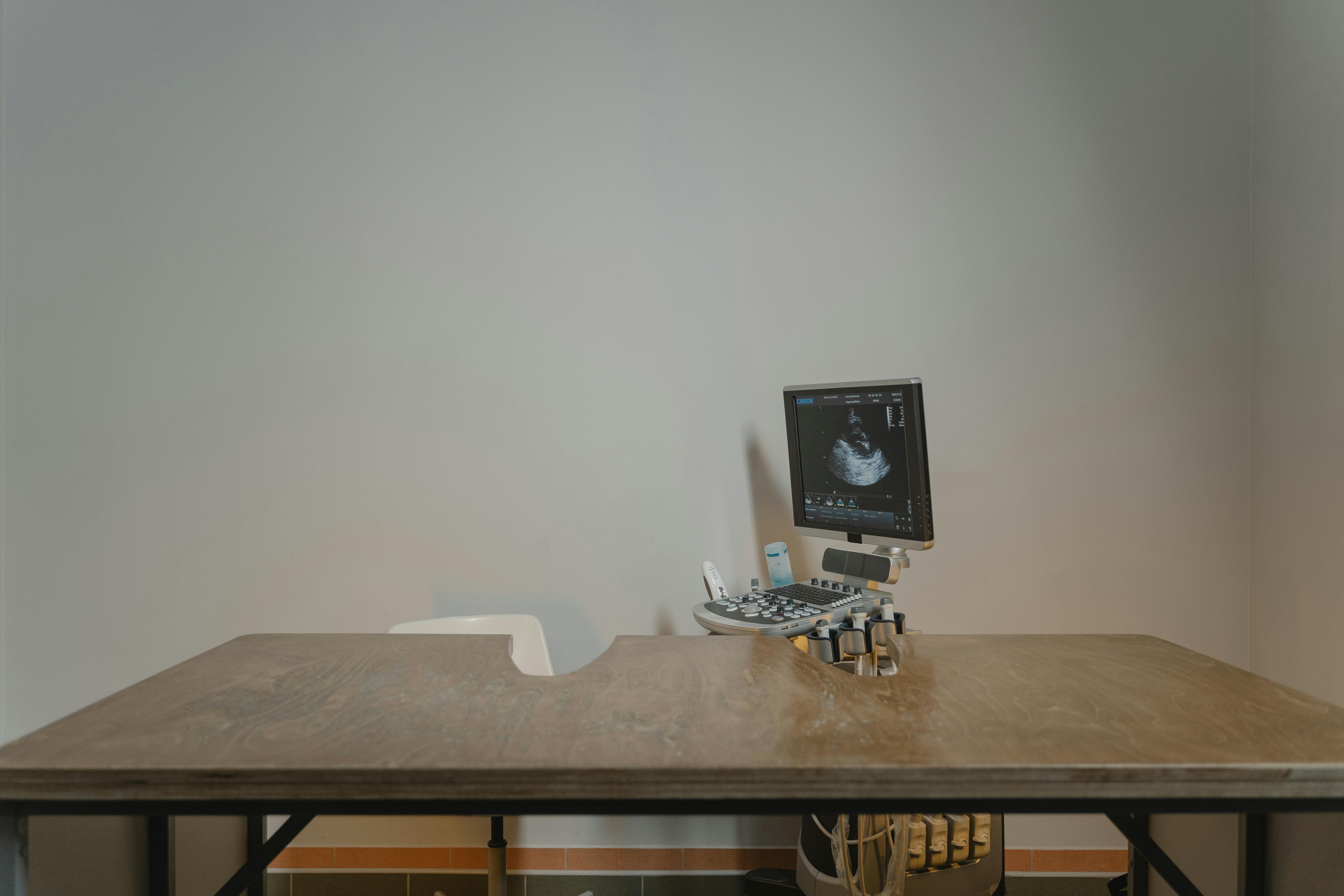
Why Console Navigation That Gets Worse With Use Often Exposes Panel-Control Weakness Earlier Than A Hard Failure
If navigation gets less crisp as the session goes on, the panel-control path may already be weakening while the machine is still broadly usable.
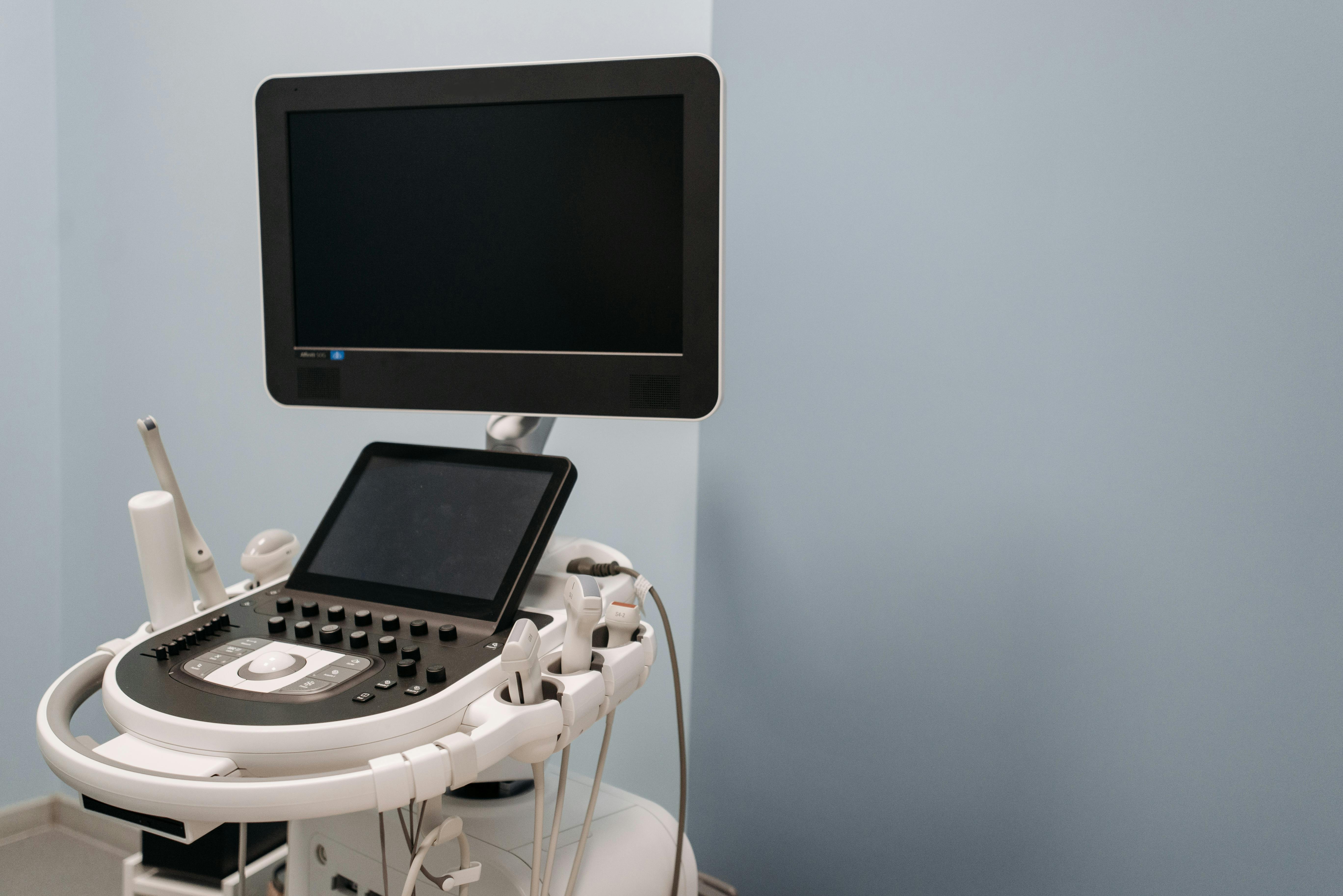
Why A Drifting Keyboard Cluster Usually Points To The Shared Input Path, Not Five Bad Keys
When the same keyboard cluster becomes uneven together, the better suspect is usually the shared console path rather than several unrelated button failures.